






Flutter vs. React Native vs. Kotlin Multiplatform: 15 Architecture Questions
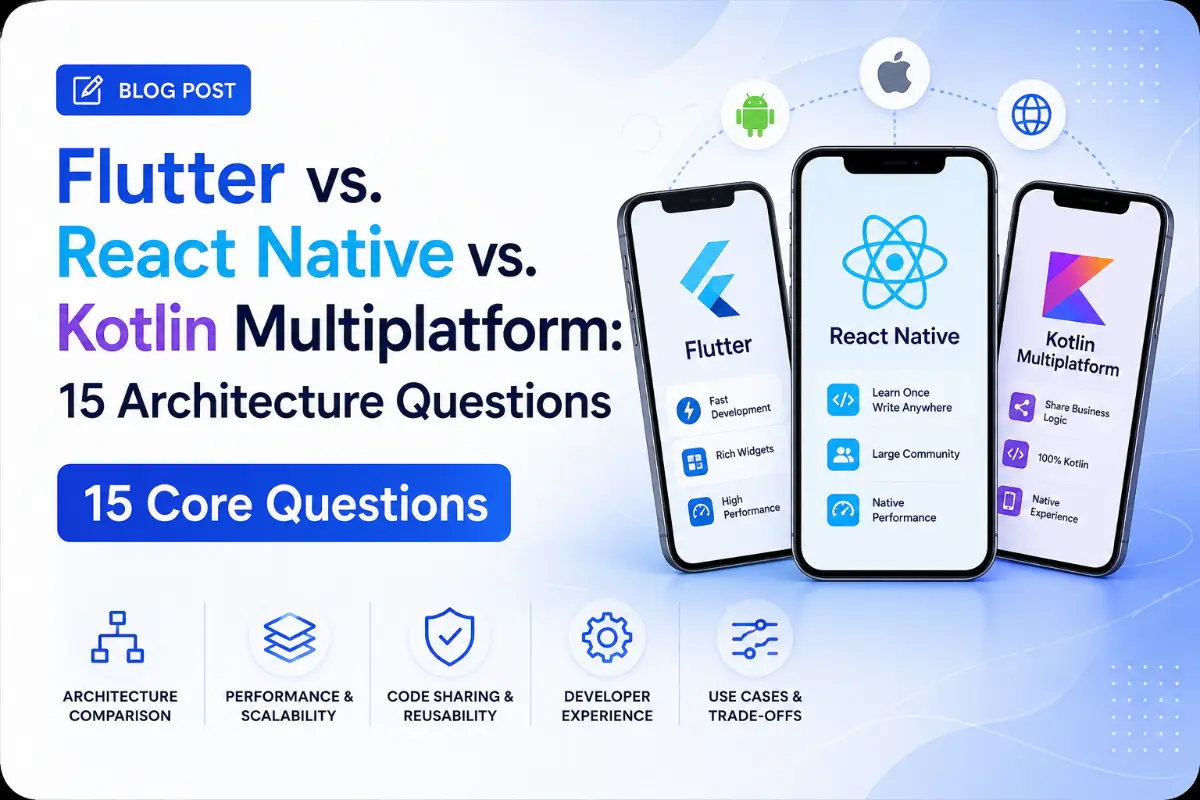
Choosing a mobile framework requires understanding the trade-offs between execution speed, rendering strategies, and platform-specific capabilities. This interview preparation guide covers 15 critical questions and answers comparing Flutter, React Native, and Kotlin Multiplatform (KMP).
Questions Quick Links
- Q1. UI Rendering Pipeline comparisons
- Q2. JS Bridge vs. Native Compilation
- Q3. KMP and Compose Multiplatform
- Q4. Native API Access performance
- Q5. CodePush & OTA Updates support
- Q6. Bundle sizes and memory footprints
- Q7. KMP ObjC/Swift Interoperability
- Q8. Startup & Boot performance (Hermes)
- Q9. Business Logic sharing in KMP
- Q10. Hot Reload & Fast Refresh preserving state
- Q11. Threading: JS vs. Isolates vs. Coroutines
- Q12. Internationalization (i18n) setups
- Q13. Layout Mechanics: Flexbox vs. Widgets
- Q14. Desktop & Web multiplatform reach
- Q15. Security risks: JS bundles vs. Machine code
Q1. Compare the UI rendering pipelines of Flutter, React Native, and KMP.
Answer:
- Flutter: Bypasses native platform UI controls entirely. It compiles widget layouts into low-level rendering instructions drawn directly on screen by its engine (Skia/Impeller).
- React Native: Renders real native platform widgets. The JavaScript thread defines UI layouts, sending layout changes over a bridge to instantiate native views.
- Kotlin Multiplatform (KMP): By default, UI is built natively (UIKit on iOS, Jetpack Compose on Android). If using **Compose Multiplatform**, UI layouts are compiled directly into canvas operations, similar to Flutter.
Q2. Explain React Native's JSI (JavaScript Interface) vs. Flutter's Engine.
Answer:
- JSI (React Native): Replaces the old asynchronous JSON bridge. It allows JavaScript code to hold direct references to C++ host objects, making native communication synchronous and faster.
- Flutter Engine: A compiled C++ wrapper that hosts Dart runtime environments, layout pipelines, asset managers, and hardware canvas renderers.
Q3. How is UI shared in Kotlin Multiplatform?
Answer:
KMP was originally designed to share only business logic (networking, caching), keeping UI native. Today, Compose Multiplatform (by JetBrains) allows you to write declarative layouts in Kotlin and run them on both iOS and Android, compiling code directly to platform canvas graphics.
Q4. Compare native hardware API access speed across all three frameworks.
Answer:
- Kotlin Multiplatform (KMP): Fastest native speed. Kotlin compiles to native binaries (Objective-C/Swift compatible frameworks on iOS), and provides direct
expect/actualdeclarations without serialization layers. - Flutter: Relies on binary platform channels. Data is serialized into byte streams, passed across the engine boundary, and decoded on the native side.
- React Native: Relies on JSI, allowing direct C++ bindings to execute native APIs synchronously.
Q5. What is CodePush / OTA Updates? Which framework supports this?
Answer:
Over-The-Air (OTA) updates allow pushing JS bundle updates directly to users, bypassing App Store reviews. This is supported out-of-the-box by React Native (using Microsoft CodePush or Expo Updates). Flutter and KMP do not support this directly because they compile to machine-native binary formats.
Q6. Compare typical app package size and memory footprint.
Answer:
- Kotlin Multiplatform: Smallest bundle size. It shares code via compiled native frameworks, leaving UI to the OS components.
- Flutter: Moderate bundle size. It must bundle its rendering engine (Skia/Impeller) and Dart runtimes, starting at ~4MB for a blank template.
- React Native: Largest bundle size. It must package JavaScript engines (Hermes) and native layouts, leading to larger file sizes.
Q7. How does KMP achieve Objective-C / Swift interoperability?
Answer:
Kotlin Native includes a compiler backend that compiles Kotlin code directly into an iOS Apple framework binary. During compilation, it generates Objective-C header files (`.h`), mapping Kotlin classes and data types to Objective-C interfaces which Swift can then import.
Q8. Compare app startup performance (time to interactive).
Answer:
- KMP: Fastest startup time since it compiles directly to native machine code.
- Flutter: Fast startup time; compiled ahead-of-time (AOT) machine code initializes quickly.
- React Native: Can have a slower startup time due to the need to initialize the JS engine and parse the JS bundle, though optimized by Hermes bytecode pre-compilation.
Q9. How do you share business logic in KMP while keeping UI native?
Answer:
Place your API calls, local Room/SQLDelight databases, and state logic in a shared Kotlin library module (e.g. `shared`). This module is compiled as a JVM library for Android and as an iOS Framework. You can then build your Android UI in Jetpack Compose and your iOS UI in SwiftUI, both referencing the shared module.
Q10. Compare hot reload mechanics and state preservation.
Answer:
Flutter and React Native support state-preserving hot reload. Flutter uses Dart VM reflection capabilities to inject new source code directly into the running VM, preserving widget state. React Native uses Fast Refresh, replacing JS modules in memory while keeping React component states intact. KMP does not support hot reload for iOS compilation, though Compose Multiplatform supports it on desktop targets.
Q11. Contrast threading models: JS Thread, Dart Isolates, and Kotlin Coroutines.
Answer:
- React Native: Single-threaded JavaScript execution context, offloading layout updates to a native shadow thread.
- Flutter: Single-threaded event loops (Isolates). Heavy computations are offloaded to background Isolates, which do not share memory space.
- KMP: Full multi-threaded access. Kotlin Coroutines allow writing async logic that suspends execution and resumes across thread pools.
Q12. What are the localization strategies across all three systems?
Answer:
- Flutter: Relies on `flutter_localizations` and `.arb` files, compiling translation keys into type-safe getters.
- React Native: Uses standard JS localization libraries like `i18next` or `react-native-localize` to parse JSON translations.
- KMP: Uses shared resource libraries like MOKO Resources or Compose Multiplatform HTML localization libraries to generate unified localization files.
Q13. Compare layout mechanics: Flexbox vs. Widgets.
Answer:
- React Native: Layouts are defined using CSS Flexbox rules, calculated natively via Facebook's Yoga layout engine.
- Flutter: Sizing rules rely on constraint structures passed from parent down to child, resolving layouts through composite widget objects.
- Compose Multiplatform: Layout is based on declarative Compose UI Box, Row, and Column components, which use constraint parameters.
Q14. Compare desktop and web multiplatform capabilities.
Answer:
Flutter has official support for Web (compiled to HTML/Canvas/Wasm) and Desktop targets. React Native relies on community plugins (React Native Web, React Native Windows). Compose Multiplatform has official support for Desktop targets (JVM bytecode) and experimental support for Web (Wasm).
Q15. Compare security risks of React Native JS bundles vs. Flutter/KMP binaries.
Answer:
React Native bundle files are stored as plain text JavaScript bytecode, making them easier to reverse engineer (even when minified). Flutter and Kotlin Native compile to machine-native binary instructions, which are significantly harder to decompile and inspect.
Written by Principal Cross-Platform Architect
Senior Career Advisor & Recruitment Specialist at JobPortalConnect. With years of experience in HR matching, they review resumes, optimize career pathways, and interview recruiting partners directly.