





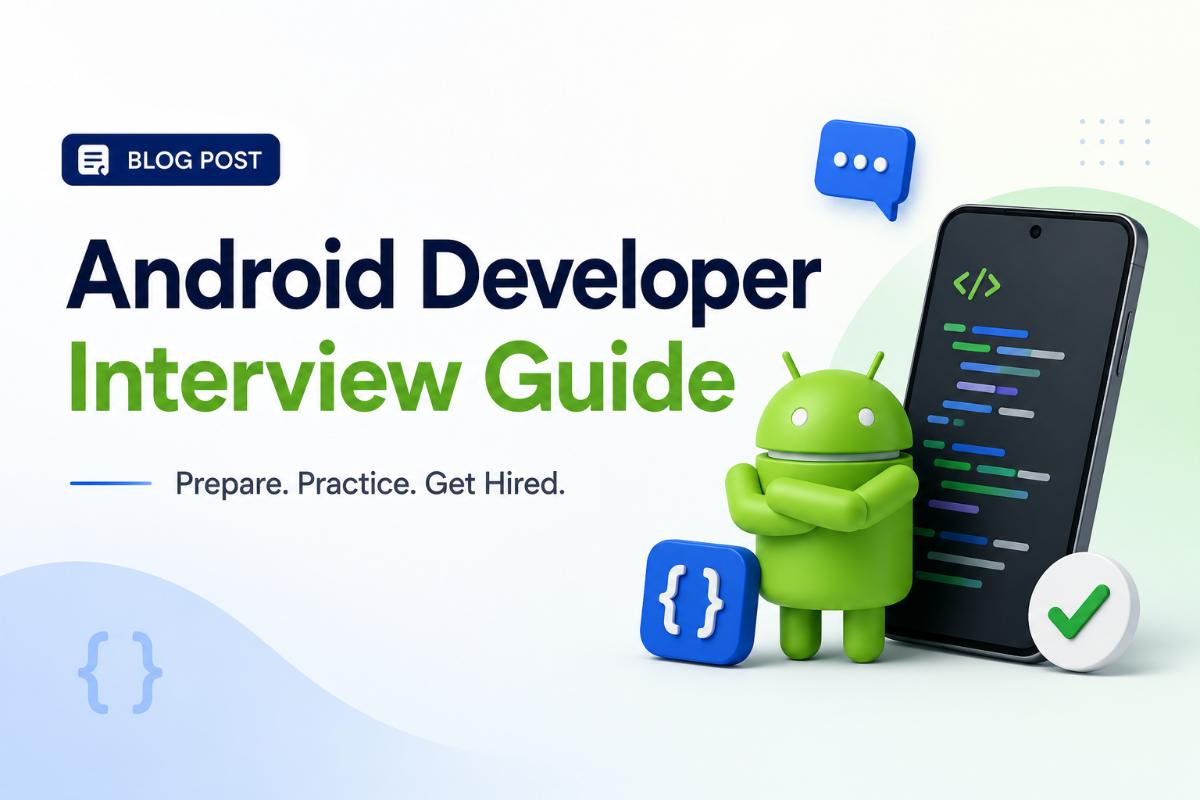
Preparing for Android Interviews
Getting hired as an Android developer requires a mixture of coding proficiency, deep understanding of the Android platform architecture, and familiarity with modern development tools. Whether you are a junior developer looking for your first role or a mid-level engineer, you must demonstrate mastery over modern Android libraries, components, and best practices. This guide provides a structured roadmap to prepare for your next technical interview.
1. Master Kotlin and Core Java
While Kotlin is the official language for Android development, many legacy codebases still use Java. You should be prepared to discuss:
- Kotlin Features: Null safety, data classes, extension functions, coroutines, and flow.
- Object-Oriented Programming (OOP): Inheritance, polymorphism, encapsulation, and interfaces.
- Memory Management: Garbage collection, memory leaks, and weak references.
2. Understand Key Android Architecture Components
Modern Android apps rely on structured architecture to remain testable and scalable. Recruiters frequently ask about:
- Jetpack Libraries: ViewModel, LiveData, Room Database, Navigation Component, and WorkManager.
- UI Framework: Jetpack Compose (declarative UI) vs. XML layout styling.
- Architecture Patterns: MVVM (Model-View-ViewModel) is the standard recommendation. Be prepared to compare it to MVP or MVI.
3. Asynchronous Programming and Networking
Android UI runs on the main thread; any heavy operation must be moved off-thread to prevent ANR (Application Not Responding) errors.
- Explain how **Kotlin Coroutines** and **Flow** manage background tasks cleanly.
- Understand networking libraries like **Retrofit** and serialization tools like **Moshi** or **Kotlinx.Serialization**.
- Explain dependency injection using **Hilt** or **Dagger2**.
4. Common Coding Questions
You may be asked to write code to:
- Fetch a list of items from an API, save it in a local Room database, and display it in a Compose LazyColumn.
- Debounce search query input changes to avoid calling an API on every keystroke.
- Implement pagination using the Jetpack Paging 3 library.
Written by JobPortal Editorial Team
Senior Career Advisor & Recruitment Specialist at JobPortalConnect. With years of experience in HR matching, they review resumes, optimize career pathways, and interview recruiting partners directly.