




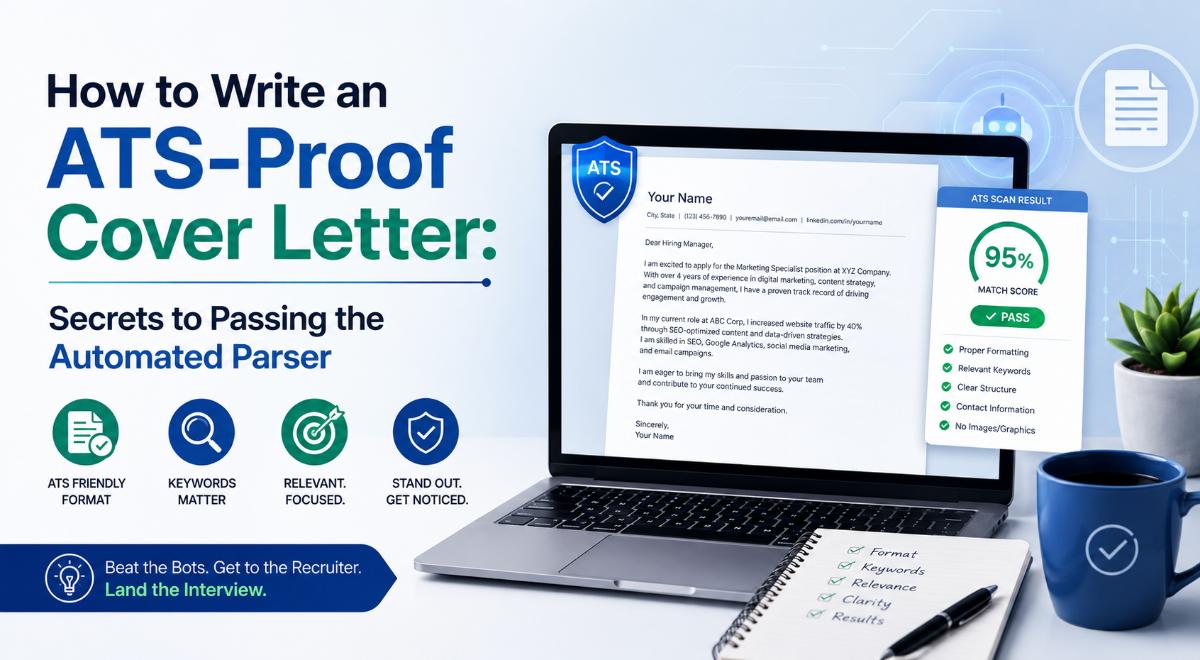
How to Write an ATS-Proof Cover Letter: Secrets to Passing the Automated Parser
Yes, the ATS Reads Your Cover Letter Too
When applying for jobs online, you probably spend hours optimizing your resume keywords to pass the Applicant Tracking System (ATS). However, many candidates treat the cover letter as an afterthought, pasting a generic draft or skipping it entirely. What they do not realize is that the ATS parser frequently extracts text from the cover letter to calculate your overall relevance score for the role. If your cover letter is poorly formatted or filled with generic templates, it can actually lower your rank.
Writing an ATS-proof cover letter does not mean writing for robots; it means writing clean, structured text that both parsing software and human hiring managers can read effortlessly. This guide breaks down the formatting rules and keyword strategies you need to follow.
1. Keep the Formatting Clean (No Fancy Elements)
Just like resumes, ATS parsers read cover letters linearly. Avoid design elements that disrupt the text reader:
- No text boxes or columns: Keep your layout to a single column.
- Use standard margins and fonts: Stick to standard 1-inch margins and clear, web-safe fonts like Calibri or Arial.
- Save as a text-searchable file: Save your cover letter as a text-based PDF or .docx file. Never save it as an image PDF, as the software cannot scan the text.
2. Align Keywords with the Job Description
The parser searches your cover letter for specific skills, tools, and certifications mentioned in the job posting:
- Scan the job posting for the most critical requirements (e.g., "Project Management," "SQL Queries," "Client Relations").
- Incorporate these exact phrases into the body paragraphs of your cover letter. For example: "During my internship, I utilized SQL Queries to extract and clean large data profiles."
- Ensure the keywords match the job description spelling. If they write "Team Leader," avoid writing "Group Coordinator."
3. Use a Proven, Clean Structure
To keep the parser organized, follow a simple three-to-four-paragraph layout:
- Header: Name, professional email, phone number, and LinkedIn URL. Do not put this information inside the page header margins; write it in the main body area.
- Opening (Why Them): State the position you are applying for and why you are excited to join this specific company. Mention a recent project of theirs to show you did your research.
- Body (Why You): Highlight 1 or 2 achievements that directly match the top keywords in the job description. Use numbers to quantify your success.
- Closing & CTA: Reiterate your interest, state that your resume is attached, and invite them for an interview. Close with a professional sign-off (e.g., "Sincerely").
Written by JobPortal Editorial Team
Senior Career Advisor & Recruitment Specialist at JobPortalConnect. With years of experience in HR matching, they review resumes, optimize career pathways, and interview recruiting partners directly.